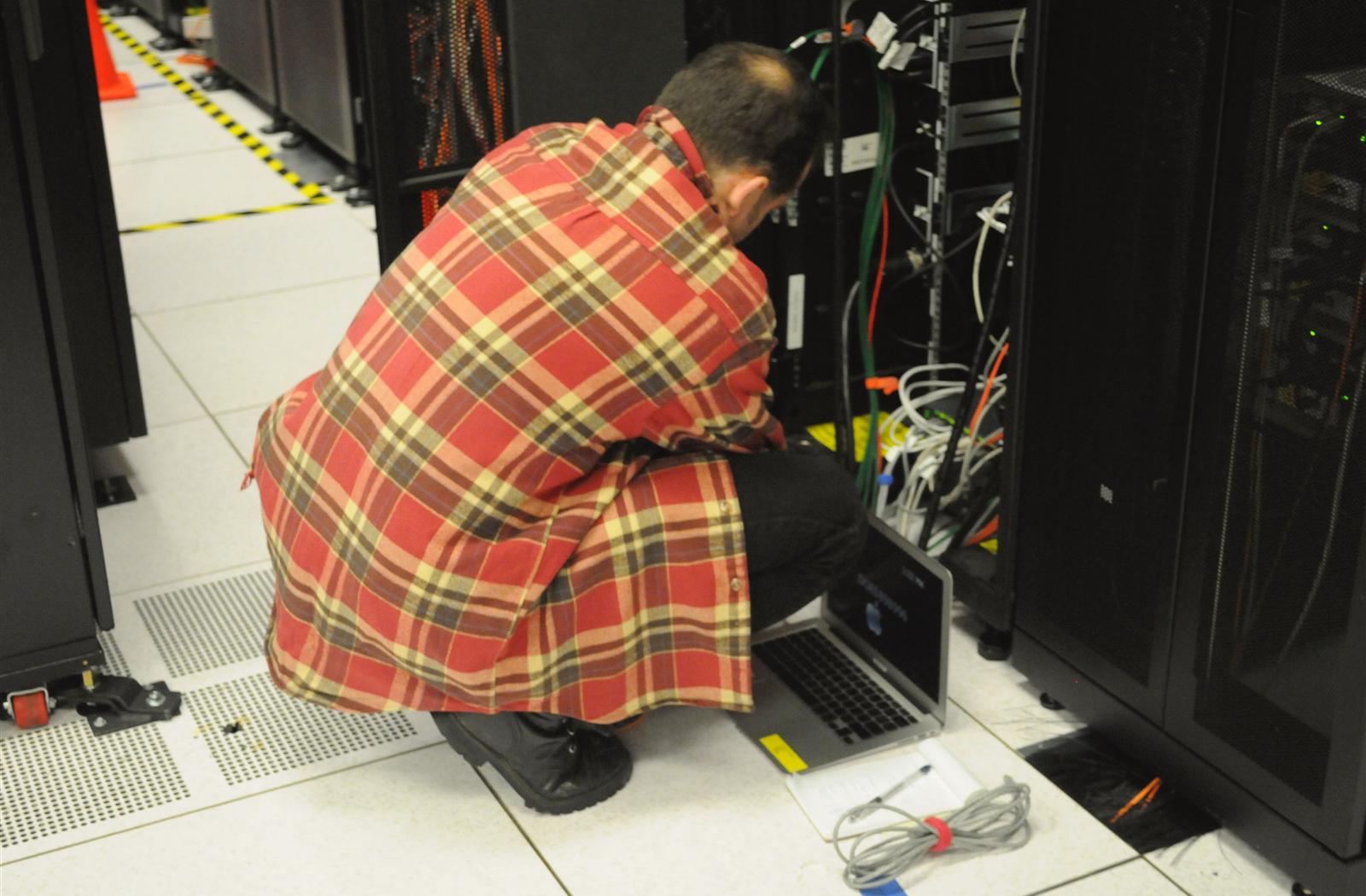
Leaving the server room: a staged plan for growing companies
Moving critical systems out of the office does not have to be a risky weekend. Plan it in stages and keep a way back.

The server room usually starts as a sensible decision and quietly becomes a liability. The air conditioning is shared with the office. The backup power lasts minutes. The person who understands it all may be on leave when something fails.
Moving out is less about technology than about sequence. Companies get into trouble when they try to move everything at once.
Know what you actually have
Start with an honest inventory. Many outages during a move come from a forgotten dependency: a report that reads a shared folder, or a scanner that posts to one specific server.
- Every server, its owner and its business purpose
- What depends on what
- Licensing limits that apply when hardware changes
- Systems that can simply be retired
Choose a model for each system
| If the system is | Consider |
|---|---|
| Stable, on hardware you own | Colocation |
| Business-critical, and your team is small | Managed hosting |
| Spiky or seasonal | Hybrid with cloud capacity |
| Public and not data-restricted | Global cloud |
Move the easy systems first. You are rehearsing for the difficult ones.
Move in stages
- Connect head office to the new site with a private link
- Set up backups in a second location before anything moves
- Migrate low-risk systems and learn from them
- Move core systems such as ERP in a planned window
- Keep the old system available until the new one is proven
Quick answers
What is colocation?+
Placing servers you own in a professional data center that provides power, cooling, security and network connectivity.
What should move first in a server room migration?+
Low-risk systems, so the team can learn the process before moving core systems such as ERP.
Talk to our team, or explore how HuluBuild Cloud can help.